

kinesisjs.com · Demos · Docs · Playground · Sponsor
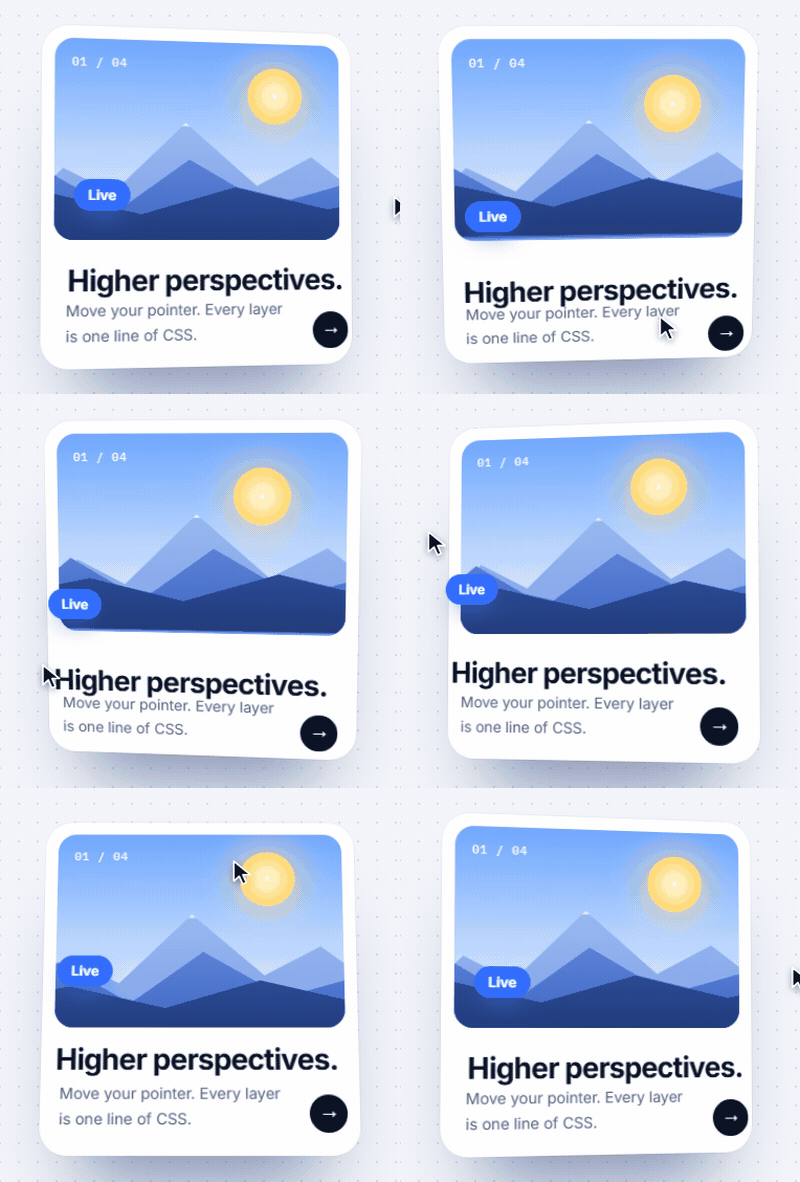
Interactive motion, written in CSS. Add --k-tilt: 16deg to a card and it tilts toward the
pointer. Kinesis turns CSS variables into pointer, scroll, and touch interaction, animated with
springs. The same properties work in JavaScript.
14 KB gzipped · no dependencies · CSS or JavaScript · MIT
<section data-kinesis>
  <article class="card">…</article>
</section>.card {
--k-tilt: 8deg; /* turns toward the pointer */
--k-parallax: 12px; /* drifts against it */
--k-motion: soft; /* how it moves: soft, smooth, snappy, bouncy, heavy */
}import { initKinesis } from "@amineyarman/kinesis"
initKinesis()That's the whole setup. Each property is registered with a type, so the browser computes its
value first. Tokens, calc(), em, media queries, :hover, and dark mode work in them.
npm install @amineyarman/kinesisOr without a build step:
<script src="https://cdn.jsdelivr.net/npm/@amineyarman/kinesis/dist/kinesis.global.js"></script>Kinesis targets Chrome and Edge 111+, Safari 16.4+, and Firefox 128+. Older browsers get less motion or none, and the page keeps working.
Pointer effects
| Property | Does |
|---|---|
--k-parallax: 20px |
drifts against the pointer (negative: with it) |
--k-tilt: 8deg |
turns toward the pointer in 3D |
--k-magnetic: .4 |
leans toward a nearby pointer |
--k-repel: 30px |
moves away from a nearby pointer |
--k-follow: 1 |
chases the pointer |
--k-look: 20deg |
turns to face the pointer (eyes, heads) |
--k-point: 0deg |
rotates to point at the pointer (arrows, needles) |
--k-spin: 180deg |
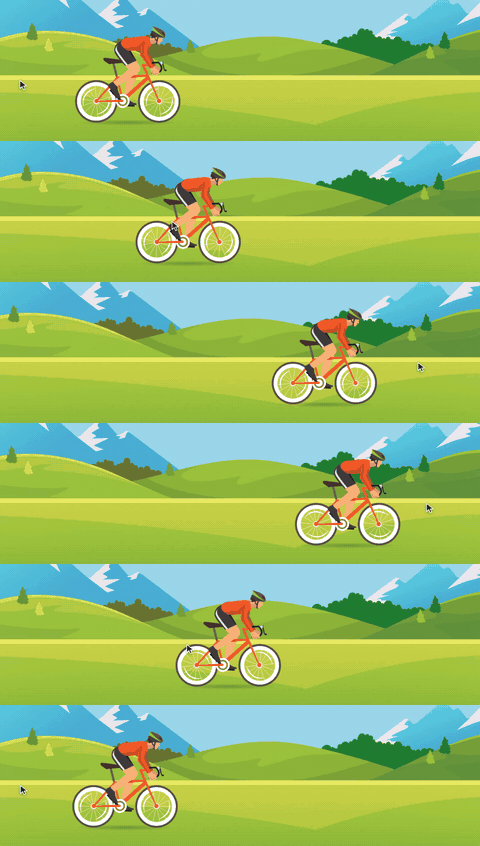
rotates flat as the pointer moves across (wheels, dials, limbs) |
--k-depth: 40px |
sits above a tilted parent |
--k-drag: both |
can be dragged, thrown, and snapped back |
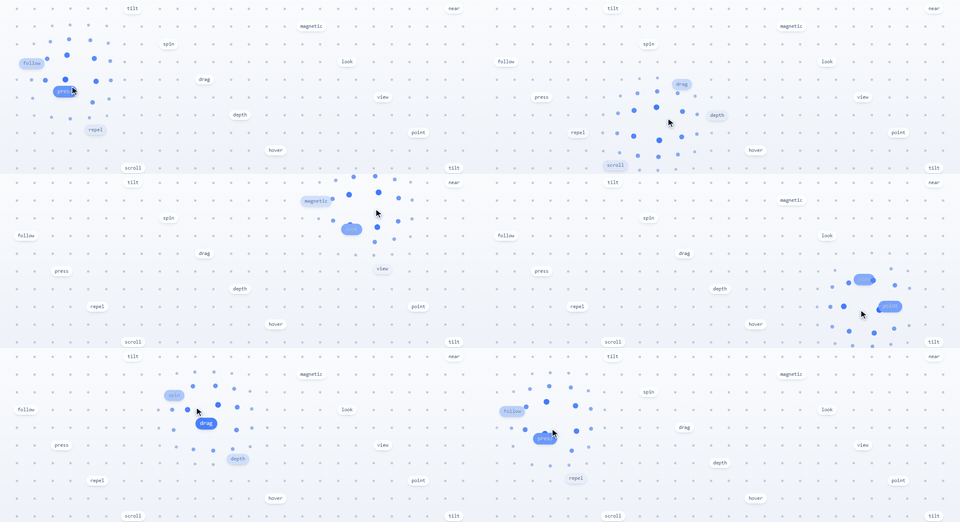
Reactions: pick a trigger with --k-when, then say what changes.
.dock img   { --k-when: near;  --k-scale: 1.6; --k-radius: 140px }
.button     { --k-when: press; --k-scale: .94 }
.card       { --k-when: hover; --k-y: -6px }
.reveal     { --k-when: view once; --k-opacity: 0 1; --k-y: 40px 0 }
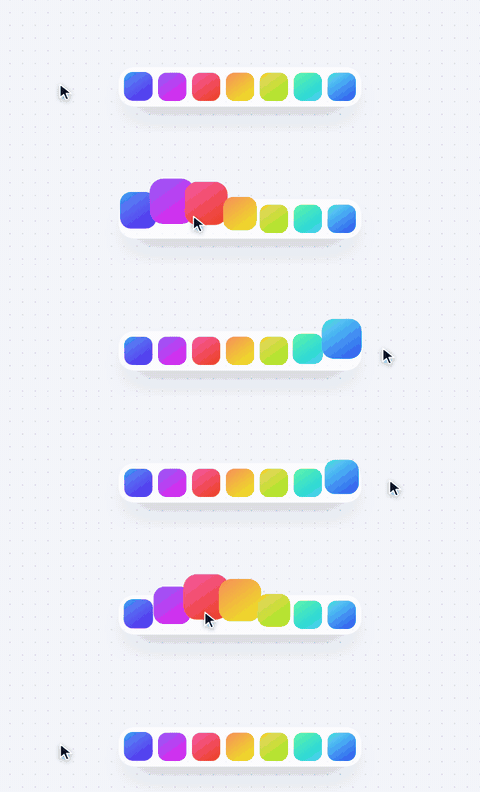
Triggers: near, hover (and keyboard focus), press (and Enter/Space), view,
scroll (the element crossing the screen), page (document scroll).
Outputs: --k-x, --k-y, --k-rotate, --k-scale, --k-opacity, --k-blur,
--k-color, --k-background.
Kinesis writes --k-progress back for your own CSS. A reading-progress bar:
.bar { --k-when: page; scale: var(--k-progress) 1; transform-origin: left }The same words, as props:
import { kinesis, pointer } from "@amineyarman/kinesis"

const card = kinesis(".card", { tilt: 8, area: "self", motion: "bouncy" })
card.set({ tilt: 14 })  // overrides CSS
card.reset("tilt")      // back to CSS

kinesis(".speedometer").bind({
  rotate: pointer.speed.map([0, 3000], [-90, 90]).spring("snappy"),
})
Vue:
import { KinesisPlugin } from "@amineyarman/kinesis/vue"
app.use(KinesisPlugin)<img v-kinesis="{ parallax: depth * 10 }" />Extras: @amineyarman/kinesis/text splits text into accessible, animatable characters, and
@amineyarman/kinesis/audio turns an <audio> element into signals.
- Your styles stay yours. Kinesis writes
translate,rotate, andscale, nevertransform, and adds to values you set. - Accessible by default. It respects
prefers-reduced-motion, mirrors hover on keyboard focus, and keeps split text readable by screen readers. - No idle cost. One animation loop for the page, stopped when nothing moves. Offscreen elements are skipped. A 1,600-element page scans in about 2 ms.
- Small. About 14 KB gzipped, with no dependencies.
Docs, recipes, and a playground: https://kinesisjs.com. Design notes: DESIGN.md.
Kinesis is free and MIT licensed. If it saves you time, you can sponsor its development.
MIT © Amine Bouyarmane