
This repository creates and distributes the unofficial Appimage of Bottles.
This AppImage is a new generation one, so you don't need libfuse2 installed on your system to use it.

Install and update it with ease
The official Bottles package is only available as a Flatpak.
All build methods are based on the unofficial AUR package, at https://aur.archlinux.org/packages/bottles
As a packager I can only go by what I upstream or unofficial developers gave to me.
Developers and packagers are two completely opposite categories:
- the developer creates the program
- the packager bundles and distributes it (as deb, rpm, flatpak, snap, appimage...) for the platform of competence.
The developer certainly has an interest in seeing his application work everywhere, so if a package works or not on a platform, it is the responsibility of the packager to make it compatible.
The biggest obstacle in the Bottles project are some collaborators who, in order to support Flatpak as the only packaging format, give a firm NO to every request or proposal to use an alternative packaging format. Having met some of them has served as an incentive to continue doing the opposite of what they said.
I thank the developer of Bottles, @mirkobrombin, for helping me build the AppImage after many attempts by telling me tips and tricks. Grazie Mirko!
JuNest, at https://github.com/fsquillace/junest, is an Arch Linux container that can integrate with the host system using three modes: BubbleWrap (uses Linux Namespaces), PROOT (the most portable) and CHROOT.
JuNest is the basis of the Archimage project, as its scripts exploit the flexibility of JuNest by searching, selecting and importing into the final package only what the user has decided.
Archimages allow the use of the AppImage package even on systems with Namespace restrictions, such as Ubuntu, thanks to its AppRun, able to start the application with BubbleWrap or PROOT, depending on the need.
The content of an Archimage resembles a $HOME directory
|---- AppRun
|---- com.usebottles.bottles.desktop
|---- com.usebottles.bottles.svg
|---- .local
|---- .junest
- The AppRun is the core script of the AppImage
- The .desktop file of Bottles
- The icon of Bottles
- Directories .local and .junest are hidden.
Points 1, 2 and 3 are the essential elements of any AppImage.
The directory named ".junest" contains the structure of the Arch Linux filesystem, or better, that part needed to made the app working as it should.
JuNest is unmatched in flexibility, as you can extract the AppImage and remove files, or add new ones, simply by extracting an Arch Linux package into the .junest directory, then running the AppRun. And when you're done testing, you can export the directory back into an AppImage. The support for hardware acceleration in Archimages instead is also thanks to the developer of Conty, who contributed a lot too.
For more details on how to create your own Archimages, visit https://github.com/ivan-hc/ArchImage
You can download the latest AppImage from https://github.com/ivan-hc/Bottles-appimage/releases/latest
Create a symlink "bottles-cli" for this Appimage and add it to a $PATH, so when you add a program to the desktop you will be able to launch it from the menu with the related icon. This feature is already available if you install "bottles" using "AM" and "AppMan".
- @mirkobrombin for all the patience and availability shown to me
- JuNest https://github.com/fsquillace/junest
- Conty https://github.com/Kron4ek/Conty
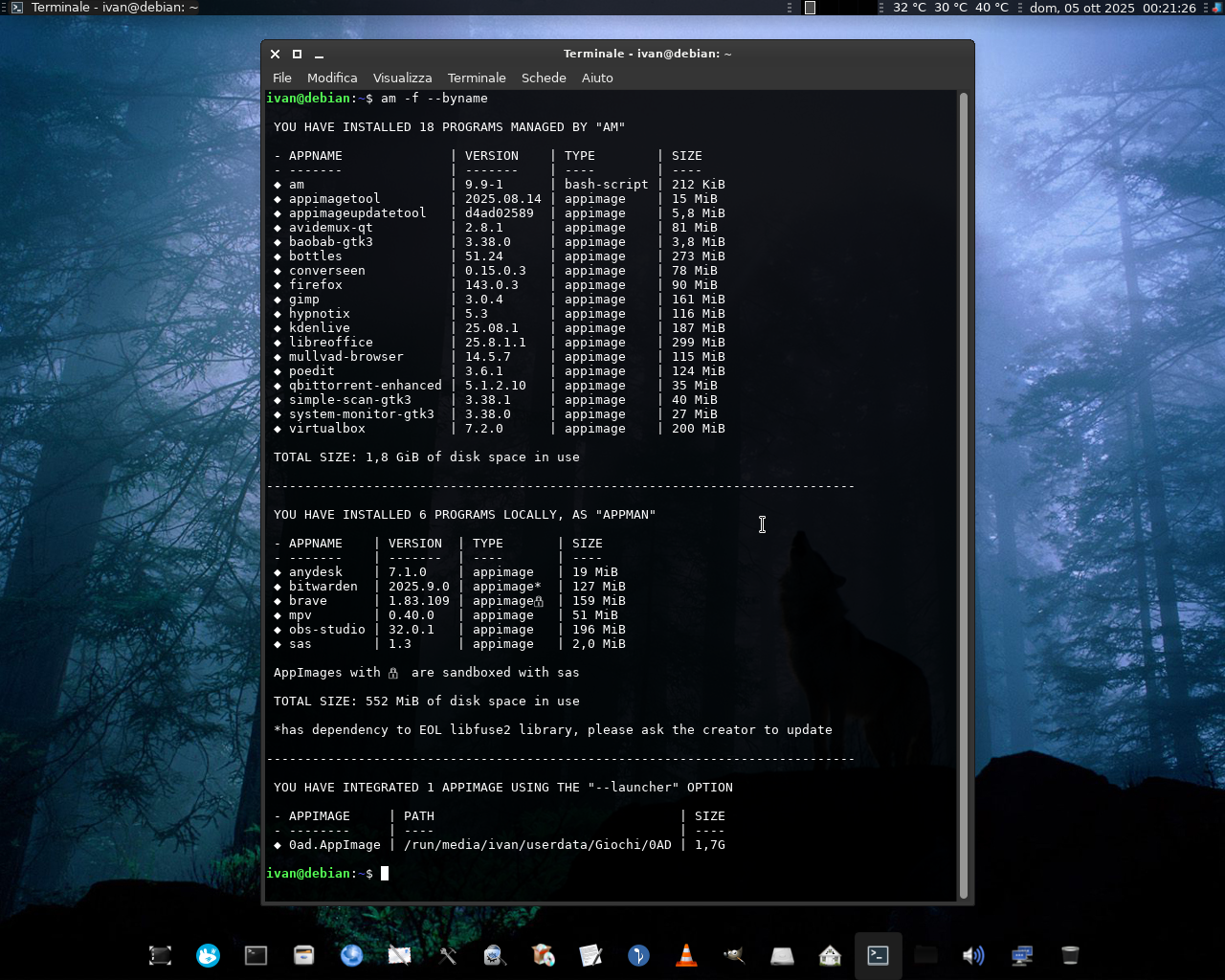


"AM"/"AppMan" is a set of scripts and modules for installing, updating, and managing AppImage packages and other portable formats, in the same way that APT manages DEBs packages, DNF the RPMs, and so on... using a large database of Shell scripts inspired by the Arch User Repository, each dedicated to an app or set of applications.
The engine of "AM"/"AppMan" is the "APP-MANAGER" script which, depending on how you install or rename it, allows you to install apps system-wide (for a single system administrator) or locally (for each user).
"AM"/"AppMan" aims to be the default package manager for all AppImage packages, giving them a home to stay.
You can consult the entire list of managed apps at portable-linux-apps.github.io/apps.
Go to https://github.com/ivan-hc/AM for more!
| Install "AM" | See all available apps | Support me on ko-fi.com | Support me on PayPal.me |
|---|