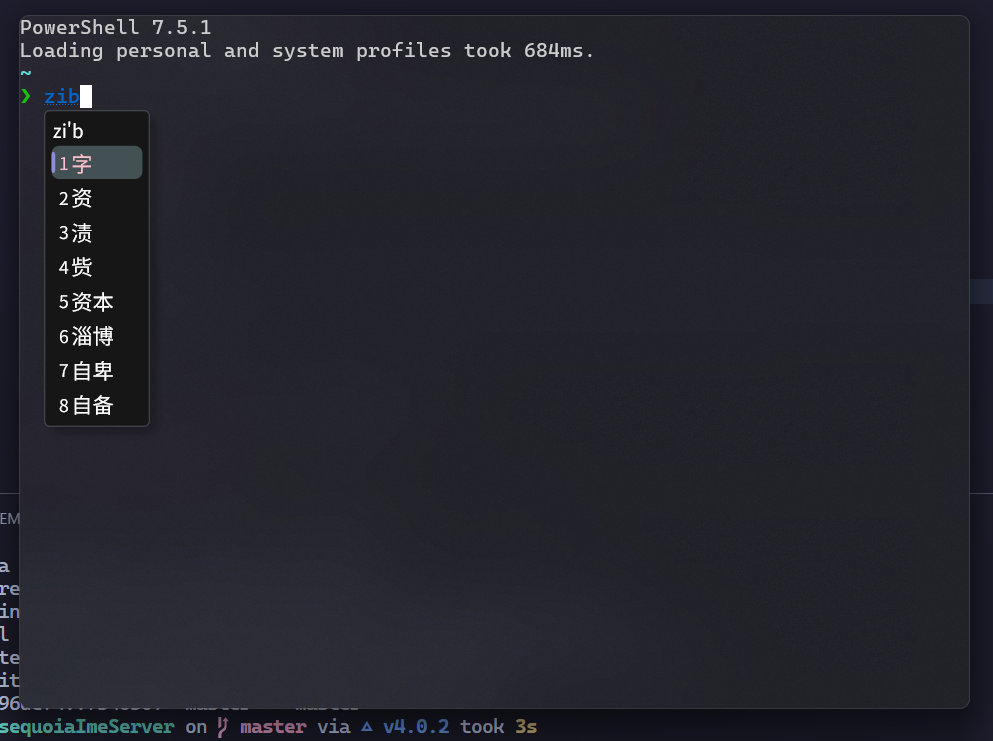
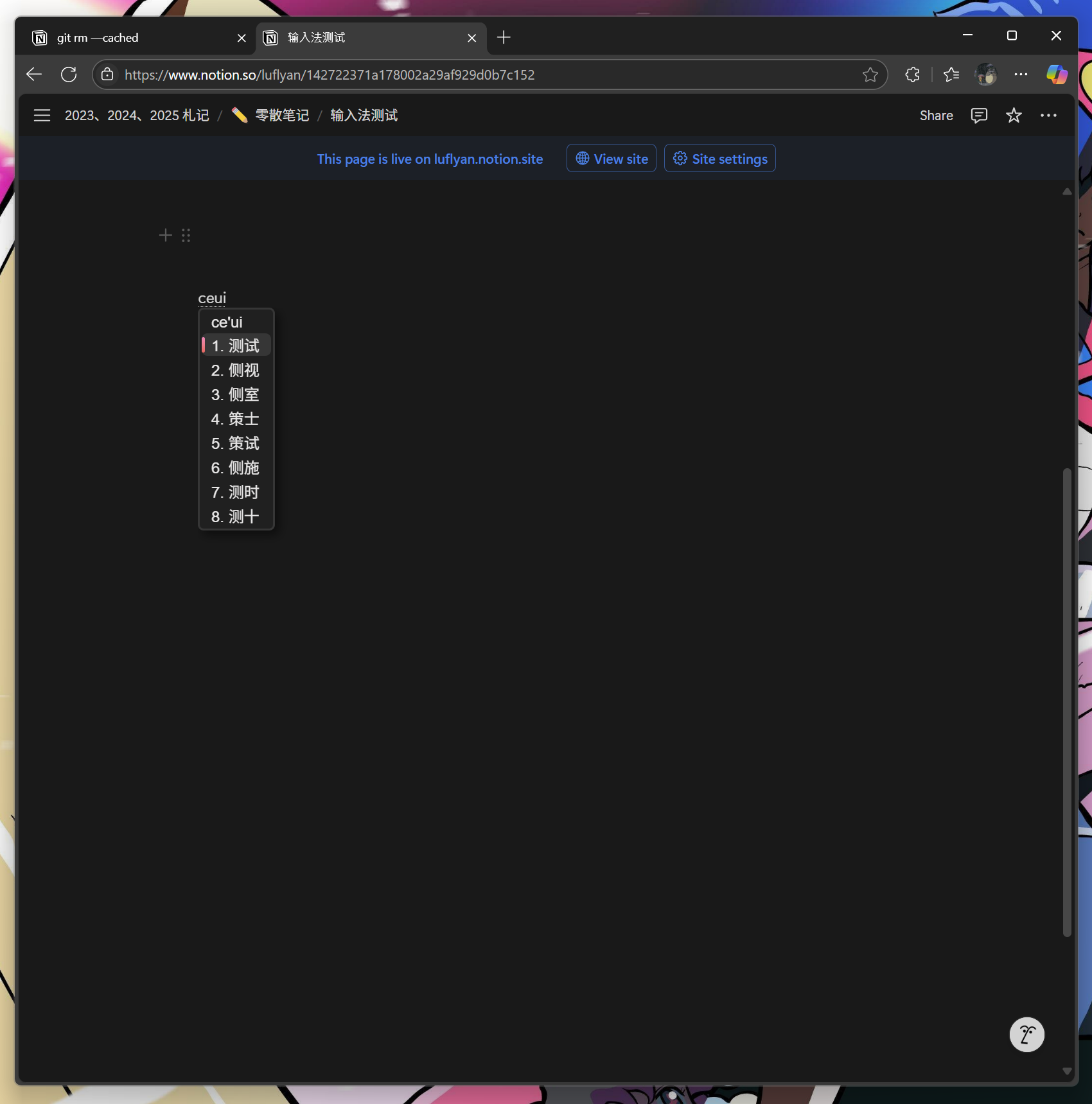
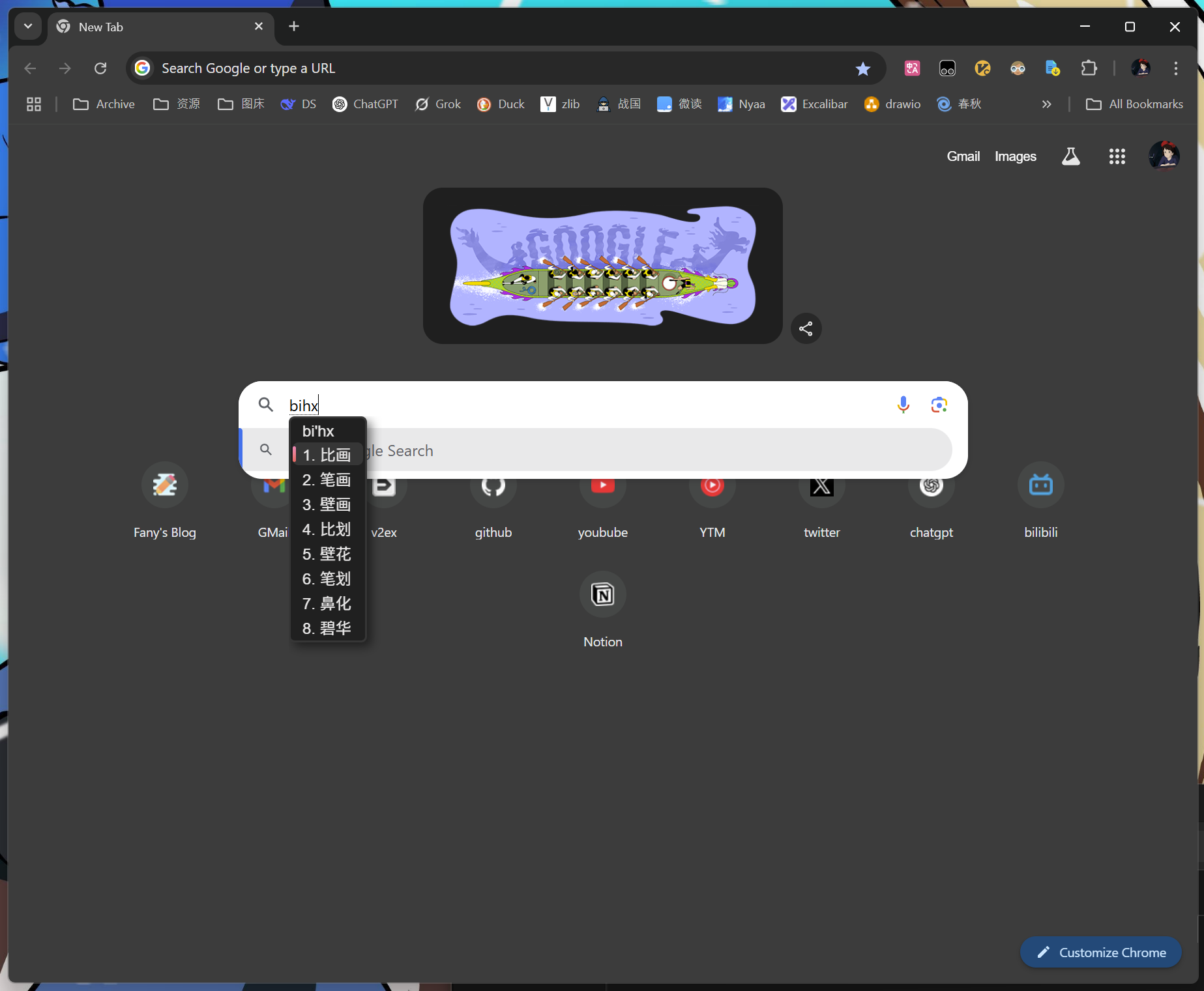
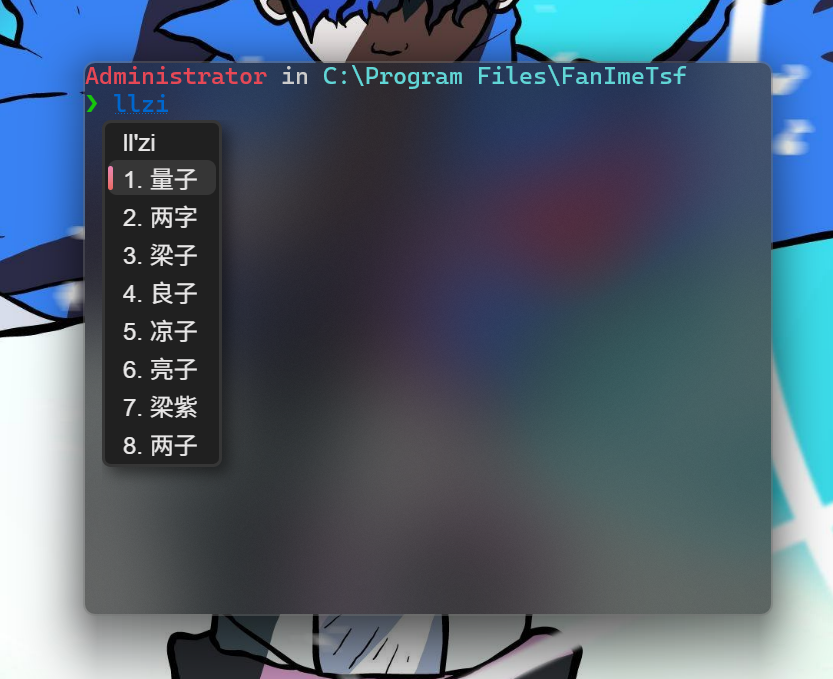
This repository has moved and is archived.
Its contents are now
server/in metasequoiaime/MSIME-Windows, which holds the Server: candidate state, configuration, dictionaries, the named pipe service, and the native and WebView2 window hosts. Full history was preserved through the move, sogit logandgit blamefollow files into their new paths.Open issues and pull requests belong in MSIME-Windows. Nothing here will be updated.
This is the server end of MSIME-Windows.
- Visual Studio 2026
- CMake
- vcpkg
- Python3.10+
- Boost
Make sure vcpkg and Boost are installed by Scoop.
First, build IME dictonary and prepare assets,
cd $env:LOCALAPPDATA
mkdir metasequoiaime
cd metasequoiaime
git clone --recursive https://github.com/metasequoiaime/MSIME-Dict.git MetasequoiaImeDict
cd .\MetasequoiaImeDict\makecikudb\xnheulpb\makedb\separated_jp_version
python .\create_db_and_table.py
python .\insert_data.py
python .\create_index_for_db.py
Copy-Item -Path .\out\msime.db -Destination $env:LOCALAPPDATA\metasequoiaimeThen, clone and build MSIME-Server,
git clone --recursive https://github.com/metasequoiaime/MSIME-Server.git MetasequoiaImeServerPrepare environment,
cd MetasequoiaImeServer
python .\scripts\prepare_env.py
Copy-Item -Path .\assets\tables\* -Destination $env:LOCALAPPDATA\metasequoiaime
New-Item -ItemType SymbolicLink -Path "$env:LOCALAPPDATA\metasequoiaime\config.toml" -Target ".\assets\config\config.toml"
e.g.
cd MetasequoiaImeServer
python .\scripts\prepare_env.py
Copy-Item -Path .\assets\tables\* -Destination $env:LOCALAPPDATA\metasequoiaime
New-Item -ItemType SymbolicLink -Path "C:\Users\sonnycalcr\AppData\Local\metasequoiaime\config.toml" -Target "C:\Users\sonnycalcr\EDisk\CppCodes\IMECodes\MetasequoiaImeServer\assets\config\config.toml"
Then, build and run,
.\scripts\lcompile.ps1
.\scripts\lrun.ps1
If you want to build and run in one step, run the following command,
.\scripts\llaunch.ps1MetasequoiaImeWatchdog.exe is built next to the server. Starting the server directly also starts the watchdog,
which monitors the server from the same directory and restarts it after an unexpected exit. Repeated early crashes use
an exponential restart delay (up to 30 seconds) to avoid a restart storm.
The developer terminate shortcut stops both processes. The restart shortcut asks the watchdog to start a fresh server after the current process exits.
Place english.db next to msime.db in %LOCALAPPDATA%\metasequoiaime. Set
general.cn_en_mixed_input = true in config.toml to enable asynchronous English prefix candidates for Quanpin and
Shuangpin.
The server process includes a few built-in global shortcuts that are useful during development:
Ctrl + Shift + Alt + T- terminate
MetasequoiaImeServerimmediately
- terminate
Ctrl + Shift + Alt + R- restart
MetasequoiaImeServer
- restart
Ctrl + Shift + Alt + C- clear IME engine cache
Ctrl + Shift + Alt + 1toCtrl + Shift + Alt + 8- delete candidate
1to8from the current candidate window - this only works while the candidate window is visible
- delete candidate