


Display filters or features map of Convolutional Neural Networks (CNN) models of Keras in a HTML page.
python cnn_visualize.py -t 1 -i ./bird.jpg
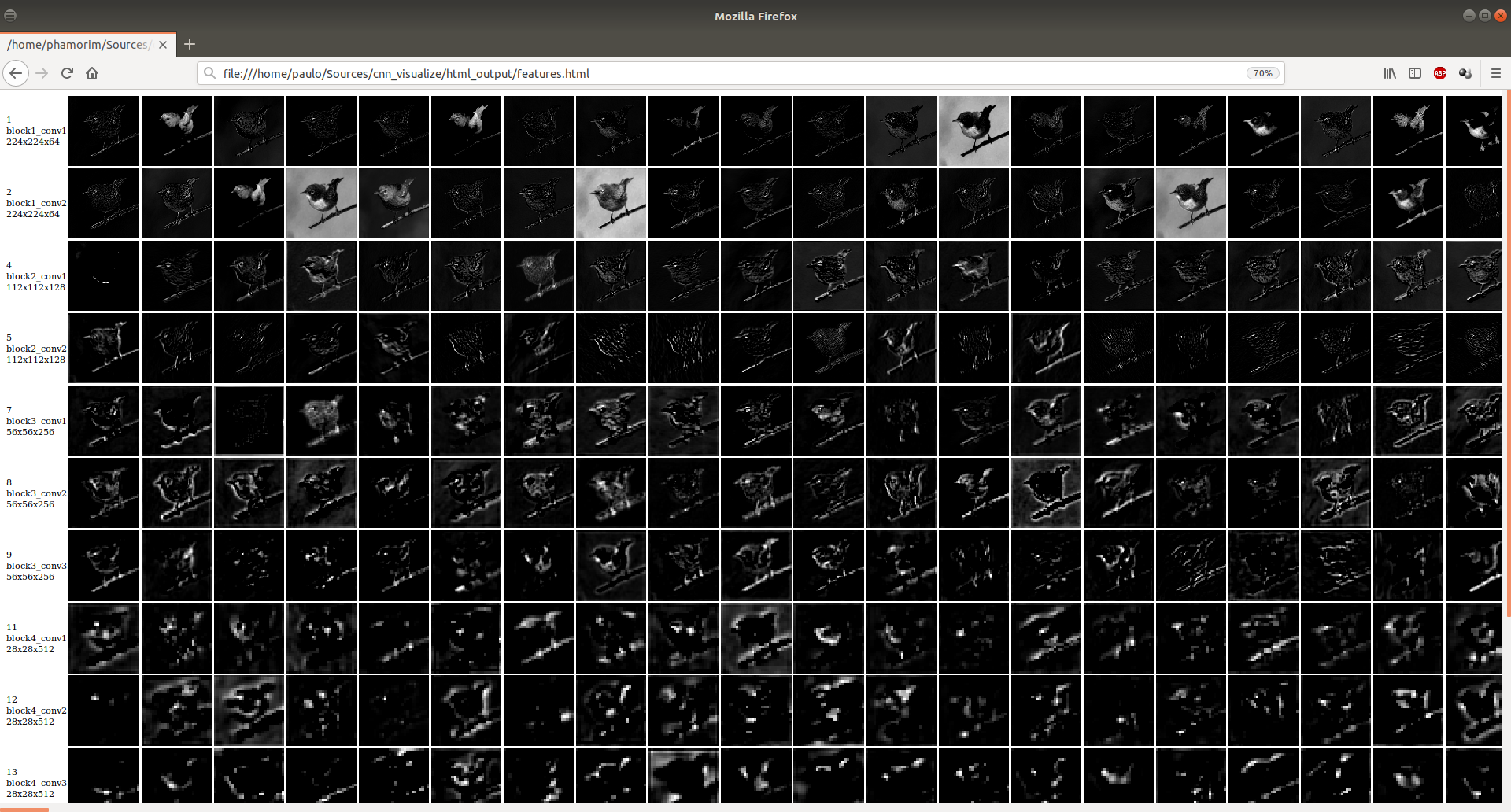
python cnn_visualize.py -t 2 -l 2
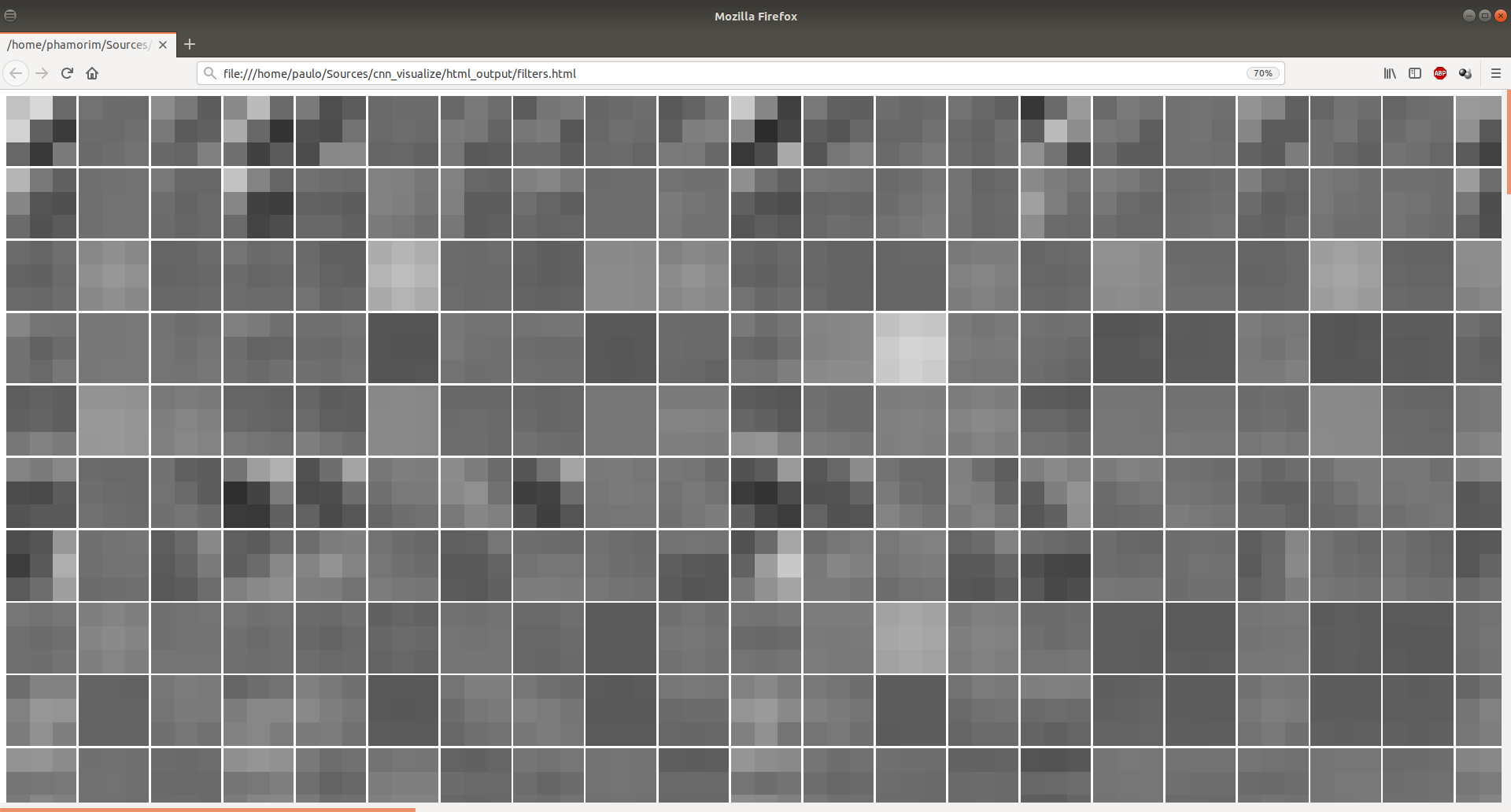
  -h, --help            show this help message and exit
  -o OUT_DIR, --output OUT_DIR
                        A folder path to output html page
  -t OUT_TYPE, --type OUT_TYPE
                        1 - Output features (default) 2 - Output filters
  -i IMG_PATH, --img IMG_PATH
                        Image input to generate CNN features
  -l FILTER_NUMBER, --layer FILTER_NUMBER
                        Filter number to save (default 1)
Change to your Keras model:
179: model = VGG16()
Change target_size to your input size:
225: img = load_img(img_path, target_size=(224, 224))